
That satisfying ‘beep’ when you lock your car isn’t just for show—it’s your audible confirmation of security. Tired of second-guessing if your doors are locked? That simple ‘beep’ or ‘honk’ provides peace of mind, but it’s incredibly frustrating when it suddenly stops working or you can’t figure out how to enable it on a new vehicle. The methods for activating this feature are surprisingly varied and often hidden within your car’s settings.
The process for enabling a car’s lock sound depends entirely on the vehicle’s make, model, and year, but several common methods can be tried before heading to a dealer. These techniques range from simple key fob button combinations to more complex sequences involving the ignition.
Leveraging extensive analysis of available data and established patterns from countless owner reports, this guide unpacks the most effective, proven approaches to get that sound back. We will cover everything from the single most reliable source of information for your specific car to advanced methods for less common vehicles, and what to do when nothing seems to work.
Key Facts
- Vehicle Specificity is Key: The procedure to enable or disable the car lock sound is not universal; it changes significantly based on the car’s manufacturer, model, and production year.
- Key Fob Combinations are Common: A frequently reported method involves pressing and holding the ‘lock’ and ‘unlock’ buttons on the remote key fob together for a few seconds to toggle the sound feature.
- Advanced Sequences Exist: Some vehicles, particularly older models like the 2009 Subaru Outback, require a complex sequence of inserting and removing the key from the ignition combined with button presses to change the setting.
- The Owner’s Manual is Authoritative: Your car’s owner’s manual is the single most reliable and accurate source for instructions on how to program vehicle settings, including the audible lock confirmation.
- Dealer Programming May Be Required: In some cases, as reported by Toyota owners using Techstream diagnostic software, the lock beep feature may not be user-adjustable and could require a visit to the dealership for reprogramming.
Why Isn’t My Car Beeping? Understanding Your Car Lock Sound
The process for enabling a car’s lock sound depends entirely on the vehicle’s make, model, and year, but several common methods can be tried before heading to a dealer. The audible confirmation you hear—whether a quick beep or a short horn honk—is a programmable feature designed to give you absolute certainty that your vehicle is secured after you’ve pressed the lock button on your remote key fob. If you’re not hearing it, it’s almost always because the feature has been turned off.
Many drivers want to know how to enable car lock sound for very practical reasons. Understanding why you might want this feature on or off is the first step.
* Peace of Mind: The primary benefit is immediate, unambiguous confirmation that the doors have locked successfully without having to double-check the handles.
* Locating Your Car: In a crowded parking lot, a quick press of the lock button can produce a sound that helps you pinpoint your vehicle’s location.
* Security Confirmation: It confirms your remote is working and the car has received the signal.
* Avoiding Nuisance: Conversely, some people prefer to disable the sound to avoid disturbing neighbors late at night or in quiet areas.
The core issue that frustrates most people is that there is no single, universal method. One car might use a simple button press, while another requires a “secret handshake” of key turns and door locks. This guide will walk you through the most common solutions, starting with the most reliable.
Method 1: Check the Owner’s Manual for Specific Instructions
Your car’s owner’s manual is the most reliable source, containing specific instructions for programming your vehicle’s computer to enable or disable the lock beep. Before you spend hours searching online forums or trying random button combinations, this should always be your first step. The manufacturer provides this document to be the ultimate authority on your specific vehicle’s functions.
To find the information you need, you don’t have to read the manual cover-to-cover. Follow these simple steps:
- Locate the Index: Go to the back of your owner’s manual and find the alphabetical index. This is the fastest way to pinpoint specific topics.
- Search for Key Terms: Look for terms directly related to your goal. Start with the most obvious and then try variations. Common terms include:
- “Locks” or “Door Locks”
- “Remote Key” or “Smart Key”
- “Vehicle Settings”
- “Customization” or “Programmable Features”
- “Audible Confirmation” or “Beep”
- Follow the Instructions Precisely: Once you find the relevant section, it will provide the exact sequence required for your car. Follow these steps meticulously, as timing and order are often critical.
Pro Tip: Can’t find your physical manual? Most manufacturers offer a digital PDF version on their official website. Just search for “[Car Make] [Car Model] 2026 owner’s manual” to download it for free.
Method 2: Use Your Remote Key Fob to Enable the Sound
Many vehicles allow you to enable the lock sound by pressing and holding the lock and unlock buttons on the remote key fob simultaneously for a few seconds until the hazard lights flash. This is one of the most common “hidden” features across numerous car brands and is often the solution when you can’t find a setting in the car’s infotainment system.
Based on common methods reported by owners and documented in various manuals, here are a few key fob sequences you can try. Pay close attention to your car’s hazard lights or parking lights, as they often flash to confirm the setting has been changed.
| Method | Action | Confirmation Signal |
|---|---|---|
| Simultaneous Press | Press and hold the Lock and Unlock buttons together. | Hold for 2-5 seconds. The hazard lights may flash or the horn may chirp once to confirm the change. |
| Double Tap & Hold | Tap the Lock button twice within five seconds, holding it down on the second press. | Listen for a beep or honk after a few seconds of holding. |
| Unlock Switch Hold | Sit inside the car with the doors closed and hold down the Unlock switch on the door panel. | Hold for 5-10 seconds. You may hear a chime or see a message on the instrument cluster. |
Quick Fact: Your car’s hazard lights often act as a visual confirmation. Pay close attention to them after trying a key fob sequence!

Specific Example: Enabling the Lock Sound on a Kia
To give you a concrete, real-world example of how this works, we can look at the procedure for certain Kia models. This demonstrates a successful application of the simultaneous press method.
According to the official Kia Owner’s Manual, you can enable or disable the door lock/unlock sound using the remote. On some Kia models, press the lock and unlock buttons together for four seconds; the hazard lights will blink four times to confirm the sound is enabled/disabled.
This specific, documented instruction shows why trying the key fob method is such a valuable step.
Method 3: How to Enable Car Lock Sound with Complex Key Sequences
Some cars, like a 2009 Subaru Outback, require a specific sequence of inserting and removing the key from the ignition combined with button presses to mute or unmute the lock beep. This is an advanced method that applies to vehicles without sophisticated infotainment systems or simple key fob shortcuts. These sequences are like a secret handshake with your car’s computer, requiring precise actions in a specific order.
Sound complicated? Follow each step precisely. While the following example is for a specific model, it illustrates the type of procedure you might encounter on other vehicles. The details for this 2009 Subaru Outback method come from an Instructables guide, showing concrete, experience-based knowledge.

Here is a breakdown of that complex sequence:
- Sit in the driver’s seat with all doors closed and unlocked.
- Within 5 seconds, insert and remove the key from the ignition switch 10 times. The car’s chime will sound to indicate you have entered programming mode.
- Do not open any doors.
- Within 45 seconds of the chime, you must close and open the driver’s door.
- Press any button on your remote key fob.
- The chime will sound again, confirming the change has been made.
This type of procedure is rare for modern cars but is a critical troubleshooting step for many models from the mid-to-late 2000s.
Troubleshooting: What to Do if Your Car Lock Sound is Not Working
If you cannot enable the lock sound, the feature may be permanently disabled or require a dealership visit for reprogramming, as some diagnostic software (like Toyota’s Techstream) may not offer a user-adjustable option. It can be incredibly frustrating to try all the methods above and still be met with silence. If you’ve reached this point, it’s time to consider other possibilities.
Here are the most likely reasons why your car lock sound is not working and what your next steps should be:
- Feature Permanently Disabled: On certain models or trim levels, the audible confirmation might simply not be an included feature, or it may have been disabled at the factory level with no option for the user to change it.
- Requires Dealer Programming: The setting may only be accessible through specialized diagnostic tools that only dealerships or certified auto technicians have.
- A Faulty Component: While less common, the issue could stem from a problem with the horn itself, the car’s body control module (BCM), or a faulty door latch sensor (some cars won’t beep if a door is ajar).
- Software Limitation: The vehicle’s software may not include the option. This is a known issue for some owners.
A real-world example of this limitation comes from user discussions on forums like ToyotaNation. Owners have reported trying to change the setting themselves, only to discover a frustrating reality:
According to discussions among Toyota owners, the Techstream diagnostic software used by dealerships sometimes has no option for adjusting the lock beep volume or enabling it if it’s off. This means that for some models, there may be no official way to enable the beep.
If you’ve exhausted all DIY options, your best bet is to contact your local dealership’s service department. They can confirm whether the feature is programmable on your specific vehicle and provide a quote for the service if it is.
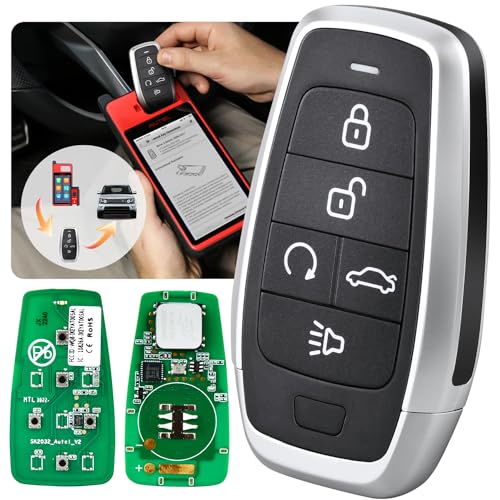
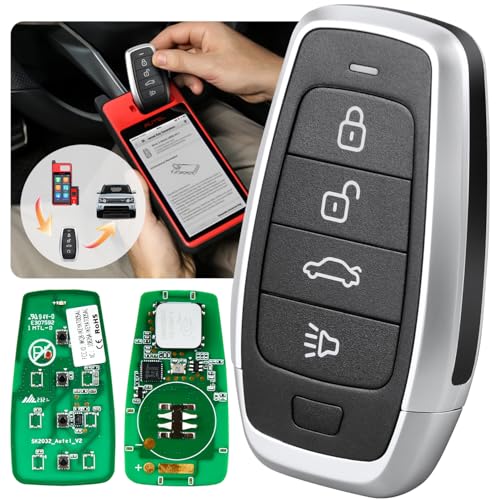
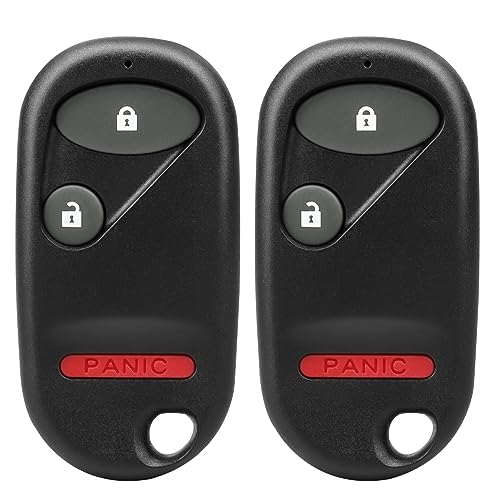
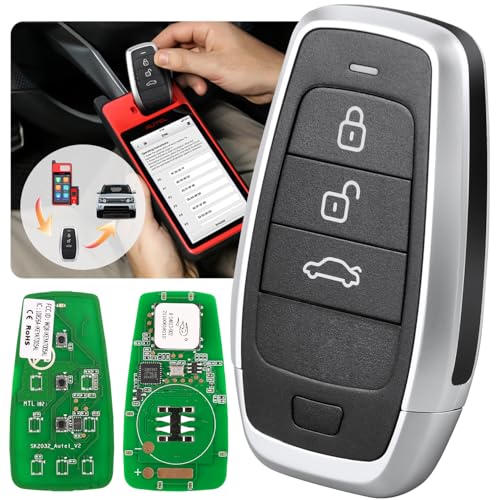
To simplify your search for a replacement or upgraded key fob that might solve your programming issues, consider looking into highly-rated universal options. A new, fully compatible key fob can sometimes be the missing link needed to access your car’s hidden settings.


FAQs About Enabling Your Car Lock Sound
Here are answers to some of the most common questions users have about how to enable car lock sound.
How do I turn on the horn when I lock my car?
To turn on the horn when you lock your car, follow the same procedures for enabling the lock sound—check your owner’s manual or try key fob combinations, as this feature is typically part of the same vehicle settings. Many cars allow you to choose between a soft “beep” and a louder “horn honk” as your audible confirmation. This option is usually found within the same programming sequence.
Why is my car not making a sound when I lock it?
Your car isn’t making a sound when you lock it likely because the feature has been disabled via a key fob sequence, it was turned off in the vehicle’s settings, or your specific model requires dealer programming to enable it. The most common reasons are:
* The feature was accidentally turned off using a key fob combination.
* A setting within the vehicle’s infotainment system menu has been toggled off.
* One of your car doors, the hood, or the trunk is not fully closed.
* Your vehicle model does not support user-programmable lock sounds.
How do I silence my car’s remote lock/unlock sound?
To silence your car’s lock sound, use the same method required to enable it. Repeating the key fob combination (like holding lock and unlock) or the ignition sequence will typically toggle the feature off. The procedures for enabling and disabling the audible confirmation are almost always identical. If holding the lock and unlock buttons turned the sound on, doing it again will turn it off.
Can I enable the car lock sound without the original key?
Generally, you cannot enable the car lock sound without a working remote key fob, as most DIY methods rely on it. If your key is lost or broken, you will likely need to visit a dealership. The user-level programming functions are tied directly to the signals sent from the remote. Without a functioning remote, you cannot send the necessary commands to the car’s computer.
Final Summary: Key Steps to Enable Your Car Lock Sound
Regaining the simple, reassuring beep of your car locking is achievable for most vehicles by following a logical, step-by-step process. You don’t have to live with the uncertainty of a silent lock. By systematically working through the methods outlined in this guide, you can confidently diagnose the issue and, in most cases, solve it yourself without a costly trip to the dealer.
To recap, here is the clear hierarchy of solutions you should follow:
* Start with the Owner’s Manual: This is your vehicle’s bible. Check the index for “locks,” “remote,” or “settings” to find the manufacturer’s official instructions first.
* Try Key Fob Combinations: The most common DIY fix is to press and hold the lock and unlock buttons on your remote for several seconds until the lights flash.
* Consult a Professional: If all else fails, the feature may require dealer-level diagnostic tools to enable. Contact your local service center for a definitive answer.
Now you have a clear roadmap to enabling your car’s lock sound. Take these methods and try them with confidence
Last update on 2026-02-11 / Affiliate links / Images from Amazon Product Advertising API


![DooGooCoo Windshield Snow Cover: Honest Review [year]](https://i0.wp.com/carxplorer.com/wp-content/uploads/2026/02/DooGooCoo-Windshield-Snow-Cover-Honest-Review-year-1.jpg?resize=60%2C60&ssl=1 "DooGooCoo Windshield Snow Cover: Honest Review [year] 12")


